
JellyPlayer IPTV

Bring your own M3U playlists or Xtream Codes account and watch live TV, movies, and series in a clean native app for macOS (Apple silicon) and Windows, with offline downloads, watch progress, saved lists, and no account system.

The desktop apps are the new recommended JellyPlayer experience.

Need the old browser version? Open JellyPlayer Web as a legacy fallback. It is no longer actively updated.

Built for daily watching.

One app for M3U files and Xtream Codes: live TV, movies, series, offline downloads, saved lists, and local watch progress in a calm desktop interface.

m3u & m3u8 playlists

Add remote playlist URLs or local .m3u files and keep them ready between launches.

Xtream Codes API

Log in with your Xtream provider and browse live, VOD, and series libraries natively.

Live TV + EPG

Browse channels in a calm guide with programme metadata where your playlist provides it.

Movies & Series (VOD)

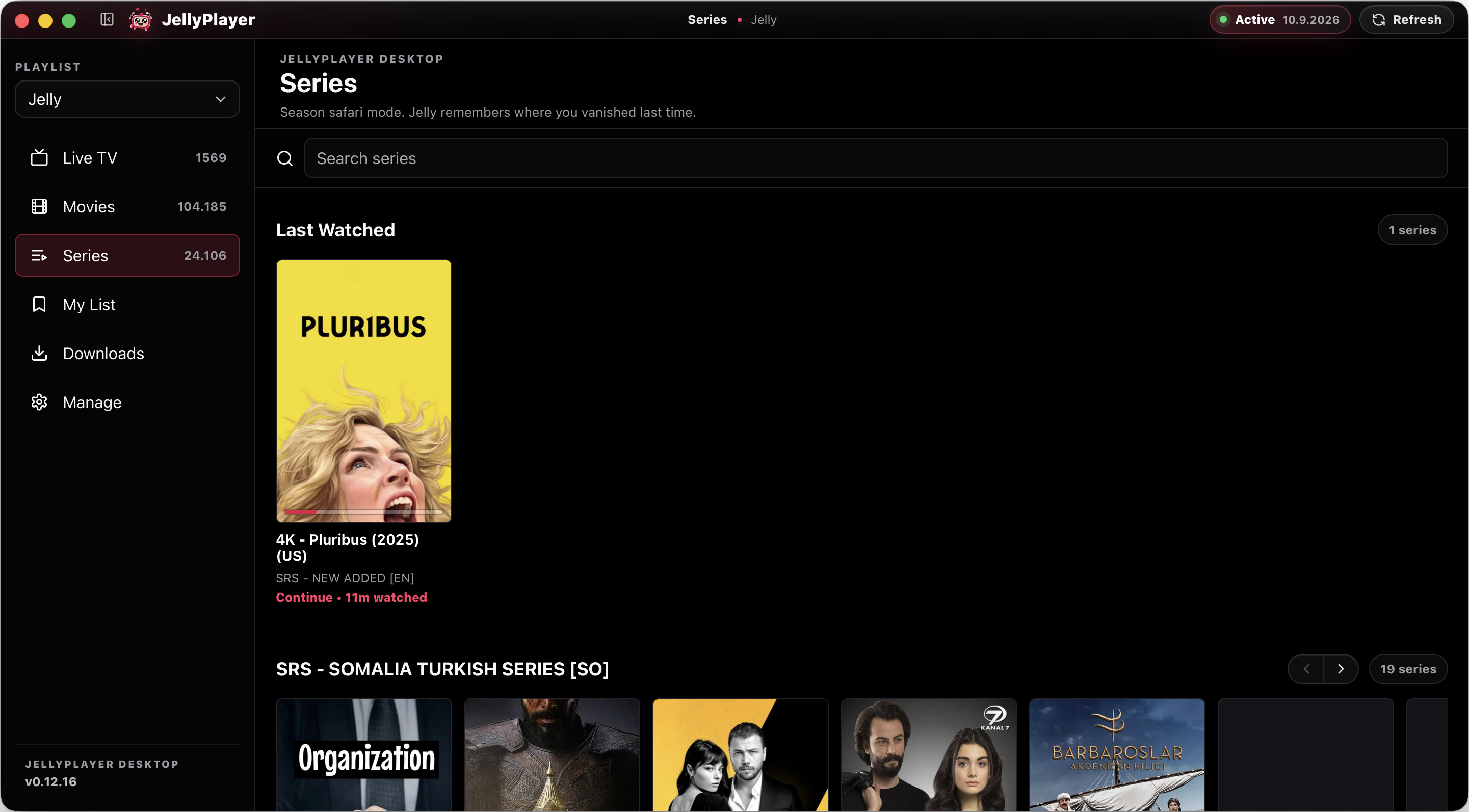
Browse VOD libraries with posters, seasons, episodes, metadata, and fast search.

Offline watching

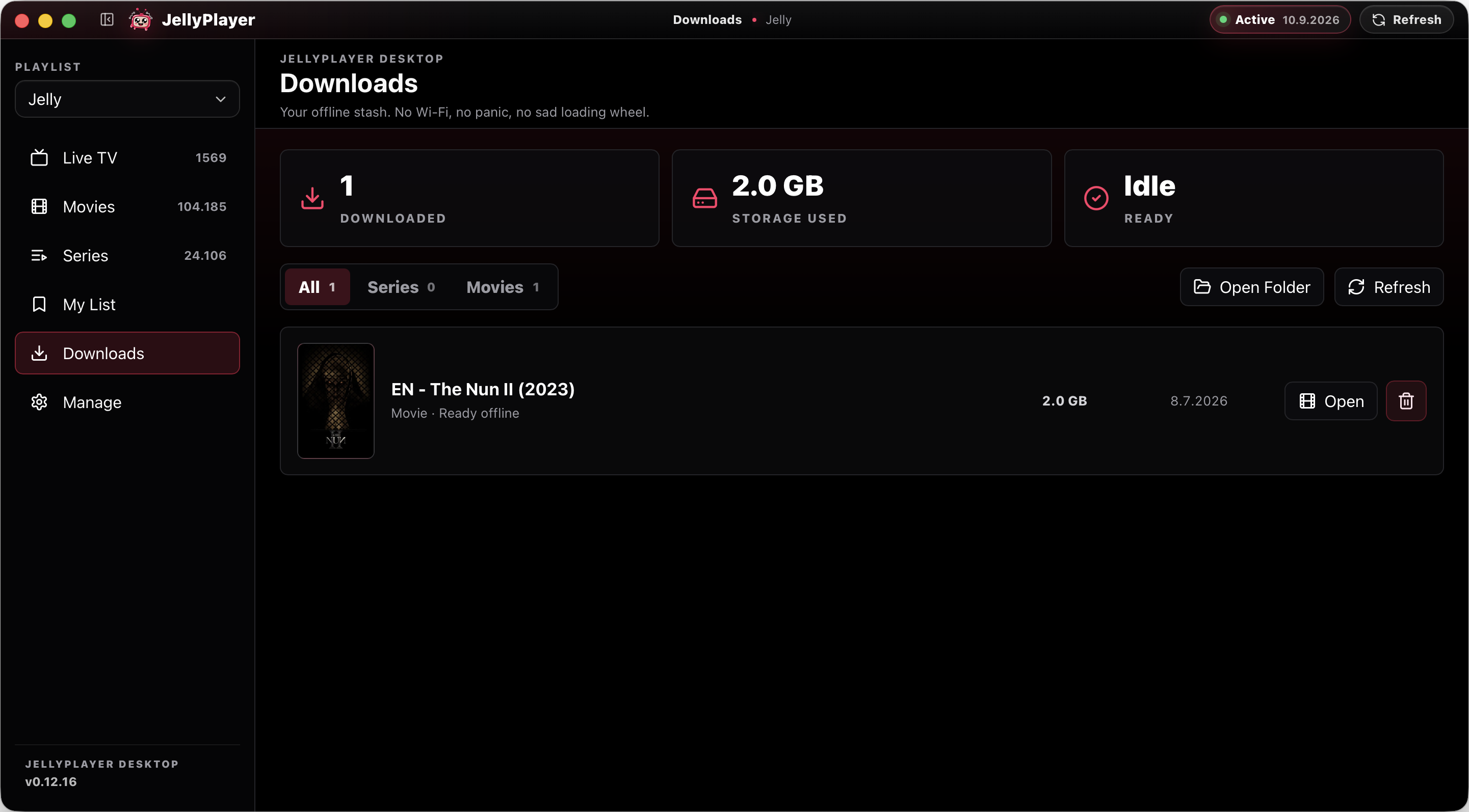
Download supported movies and episodes so they are available when your connection is not.

Watch progress

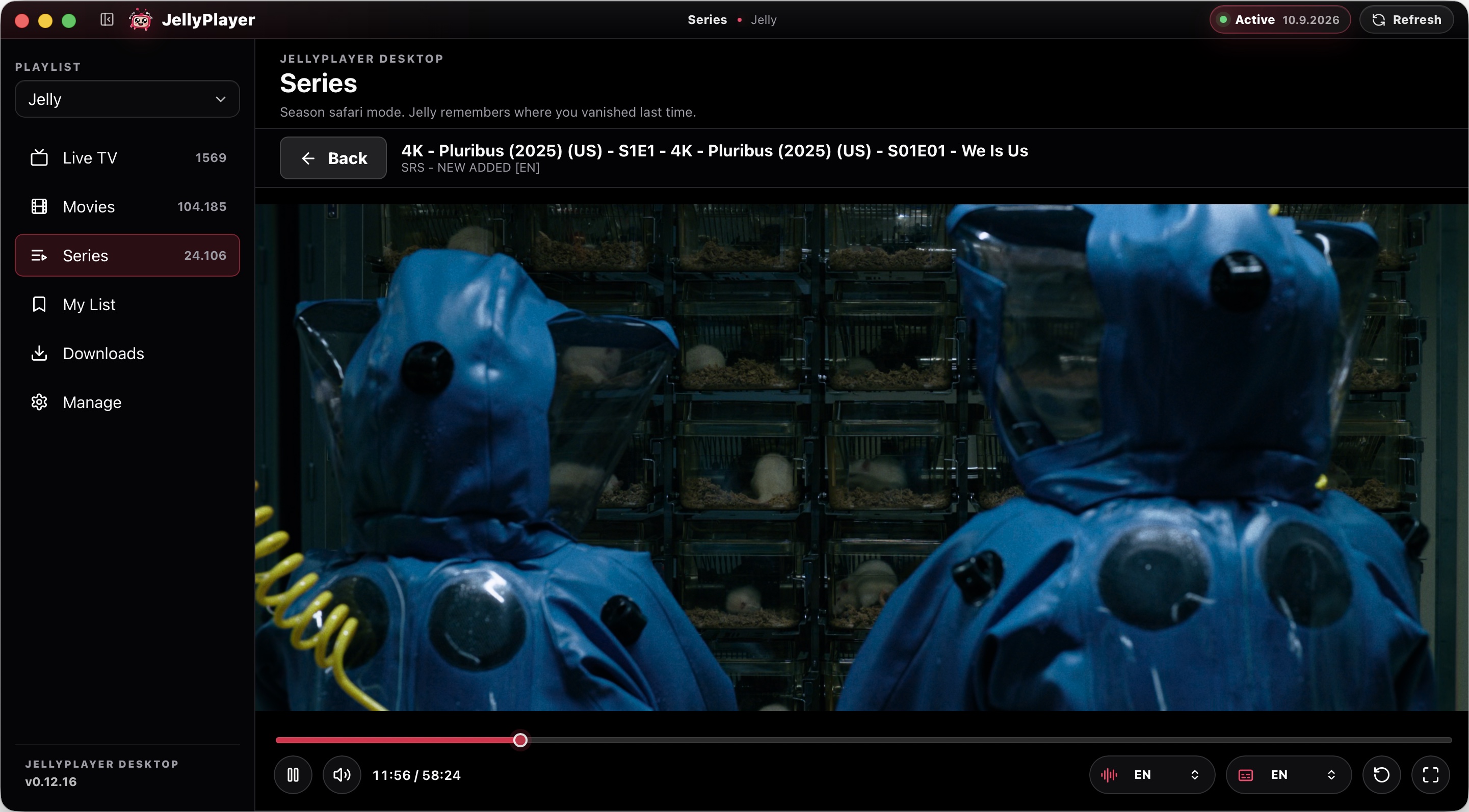
Resume movies and episodes from where you left off, with recent progress kept locally.

Saved lists

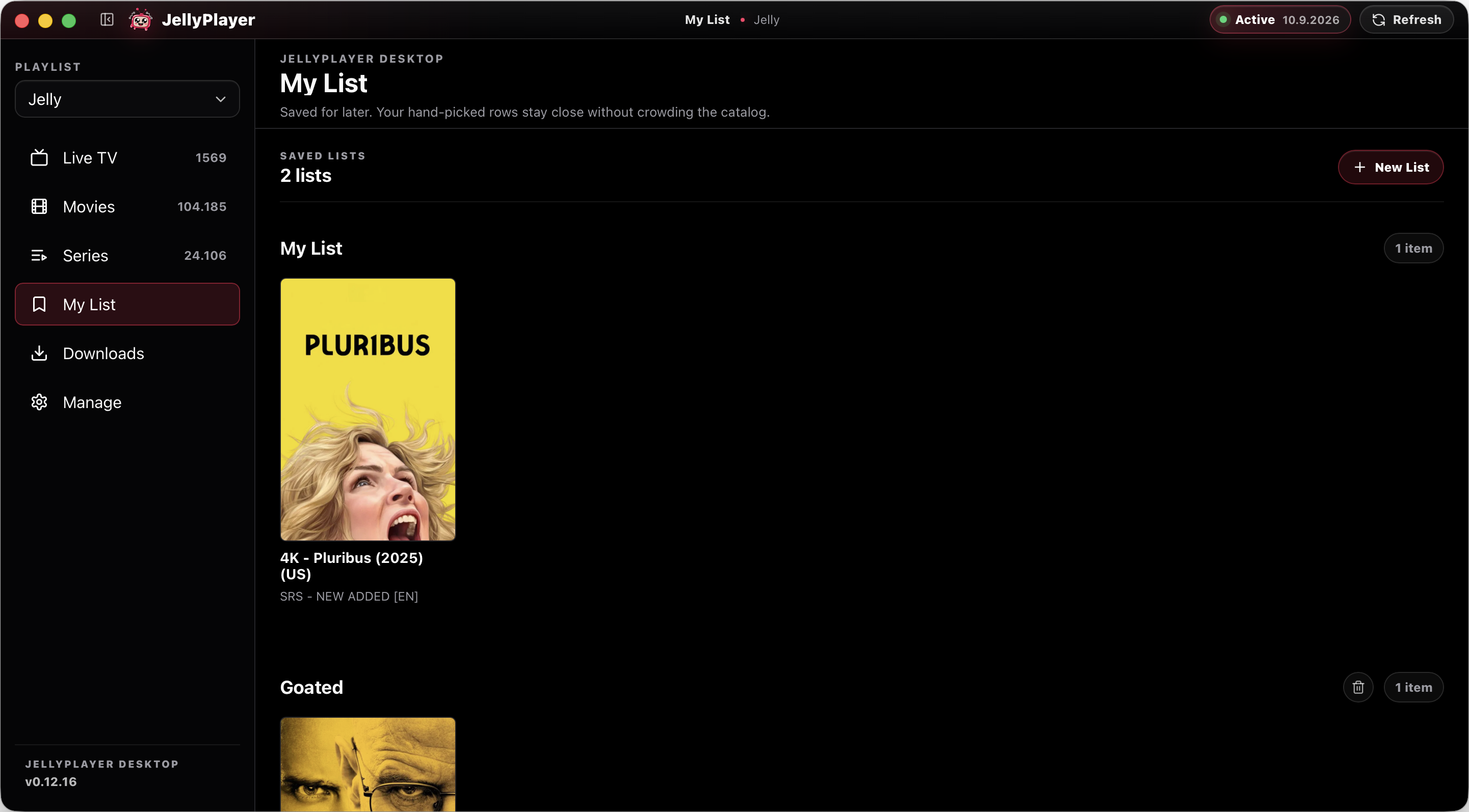
Collect channels, films, and shows into your own lists without needing a JellyPlayer account.

Native playback

Desktop playback is built around a native player path for a smoother app experience.

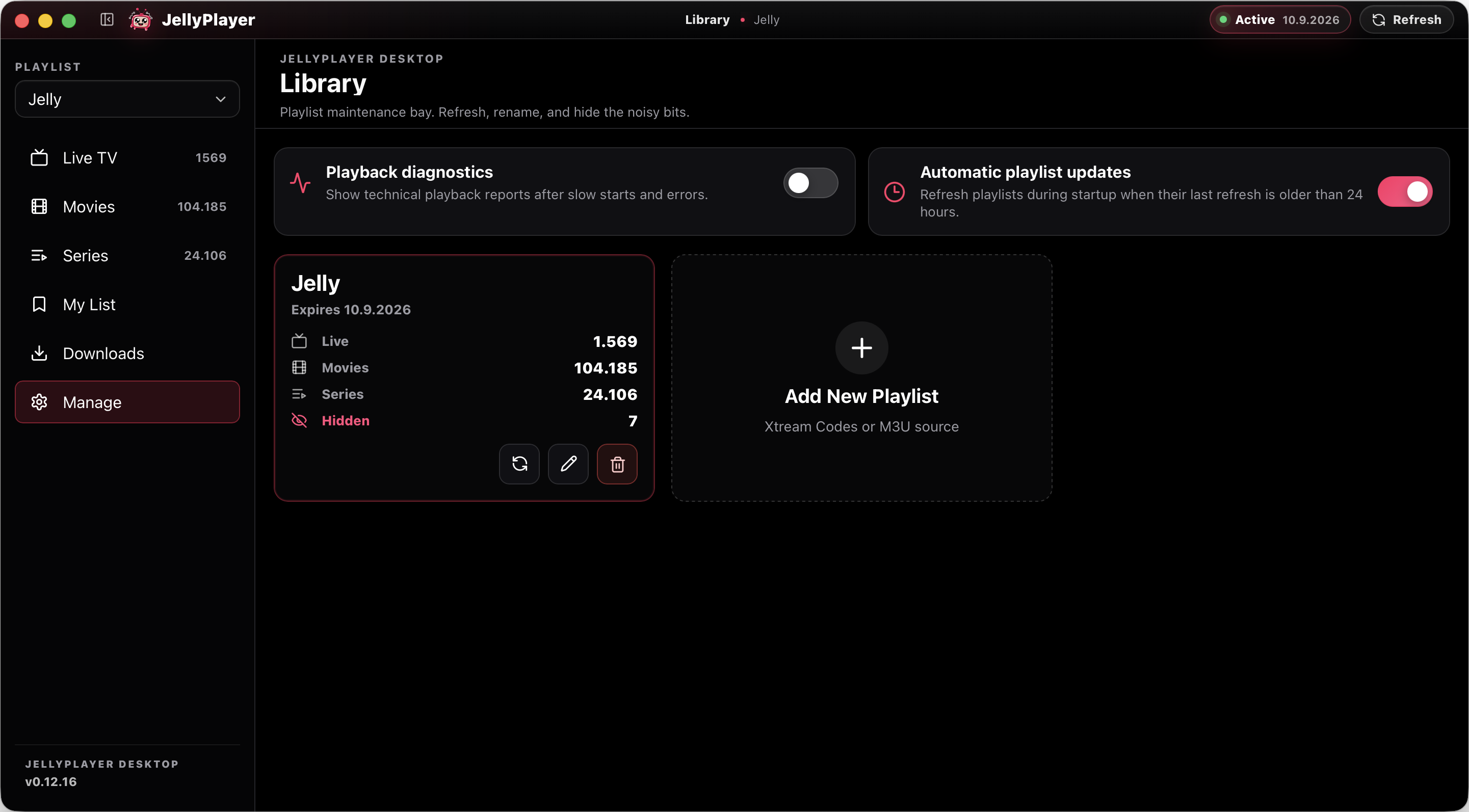
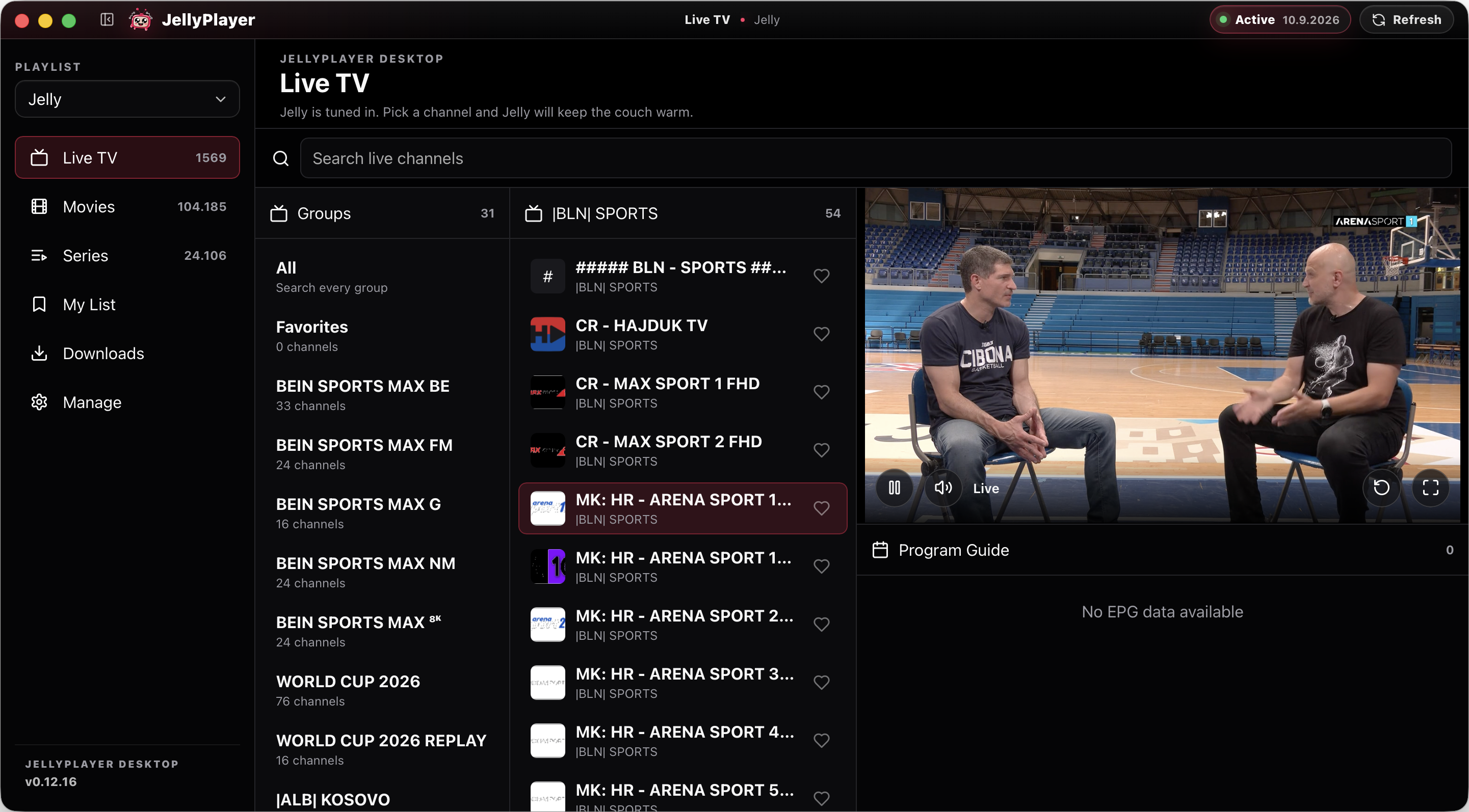
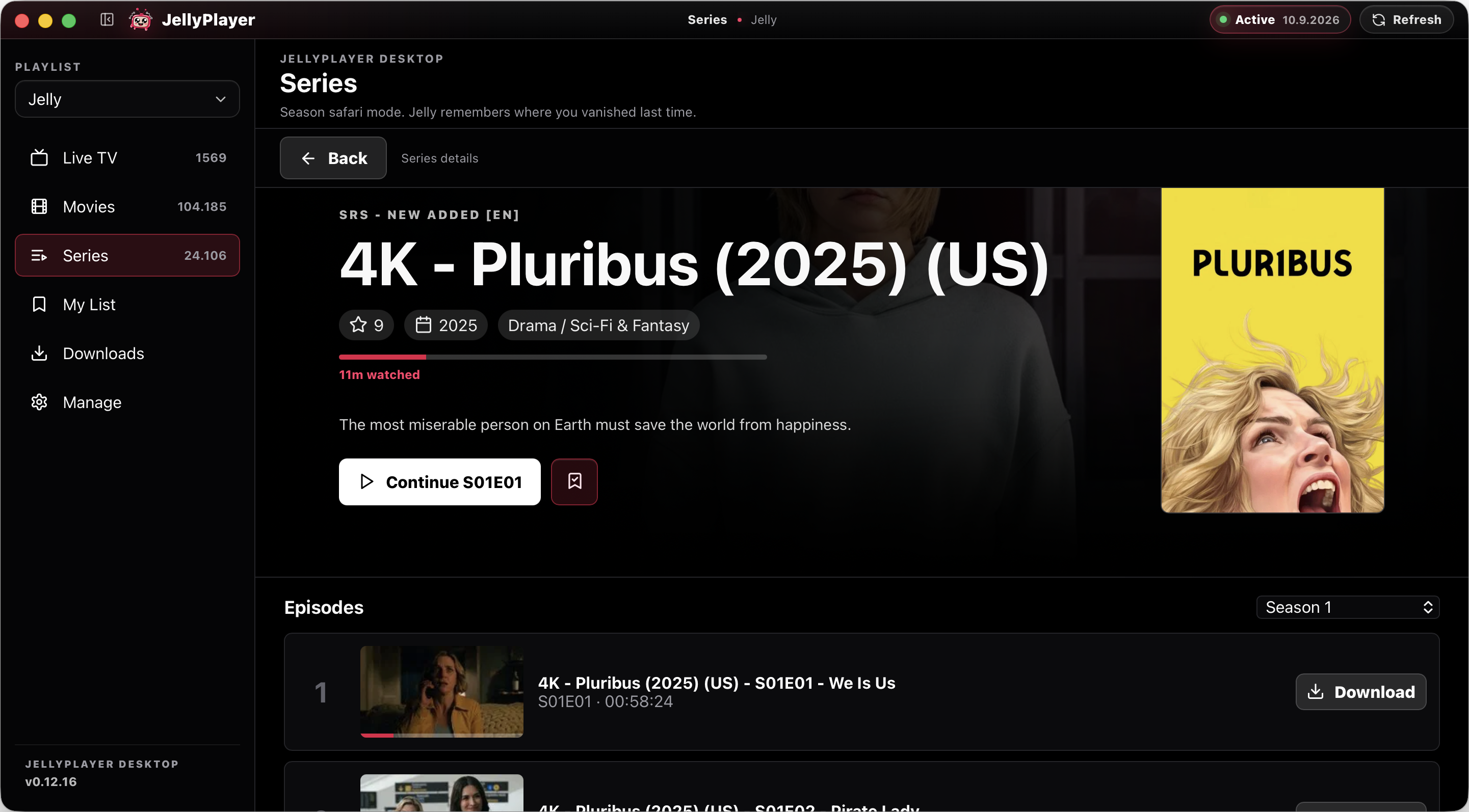
A look inside.

Real desktop views from the new app: dark, calm, and built for long sessions in front of a screen.
Desktop first. Web when needed.

JellyPlayer is moving from the old web player into native apps for macOS (Apple silicon) and Windows. The browser player stays available for quick access: open the web app. The desktop apps are the main product.

100% free,
forever.
No subscriptions. No ads. No account.

JellyPlayer is heading to your TV.

Big-screen apps are on the roadmap. For now, the desktop app is where the full JellyPlayer experience is being built and released first.

  • Android TV
  • Apple TV
  • Fire TV

Planned after the desktop release is stable.

Questions, answered.

What playlists does JellyPlayer support?
m3u and m3u8 playlists (URL or local file) and the full Xtream Codes API. Bring your own provider — we never bundle or resell content.
Is JellyPlayer really free?
Yes. No subscriptions, no paid tiers, no ads, no upsells. Free, forever.
Do I need an account?
No. Your playlists, saved lists, watch progress, and app data live locally on your device. JellyPlayer does not need a JellyPlayer account.
Does it include any channels?
No. JellyPlayer is a player, not a provider. Add your own legal playlists from services you have a right to use.
Web player or desktop app — which should I use?
Use the desktop app if you can. The old web player remains available, but the new macOS (Apple silicon) and Windows apps are where offline downloads, watch progress, saved lists, and native playback belong.
Is a TV app coming?
It is planned, but there is no release date yet. The immediate focus is getting the macOS (Apple silicon) and Windows desktop apps stable and easy to install.
How do I install on macOS (Apple silicon)?
When the build is published, download the signed and notarised Apple silicon .dmg, drag JellyPlayer to Applications, and launch it normally.
How do I install on Windows?
When the build is published, download the signed Windows installer and run it. The installer is planned as a normal current-user install, so it should not need admin permissions for most people.
What about the web player?
Open the web player in any modern browser when you need quick access. It is still useful, but it is no longer the primary JellyPlayer experience.
Do you track me?
Never. There is no telemetry, no analytics, no account system. Crash data never leaves your machine unless you choose to share it.
Is JellyPlayer open source?
JellyPlayer is free to use. Source availability and licensing details may change separately from the public app release.