

m3u & m3u8 playlists
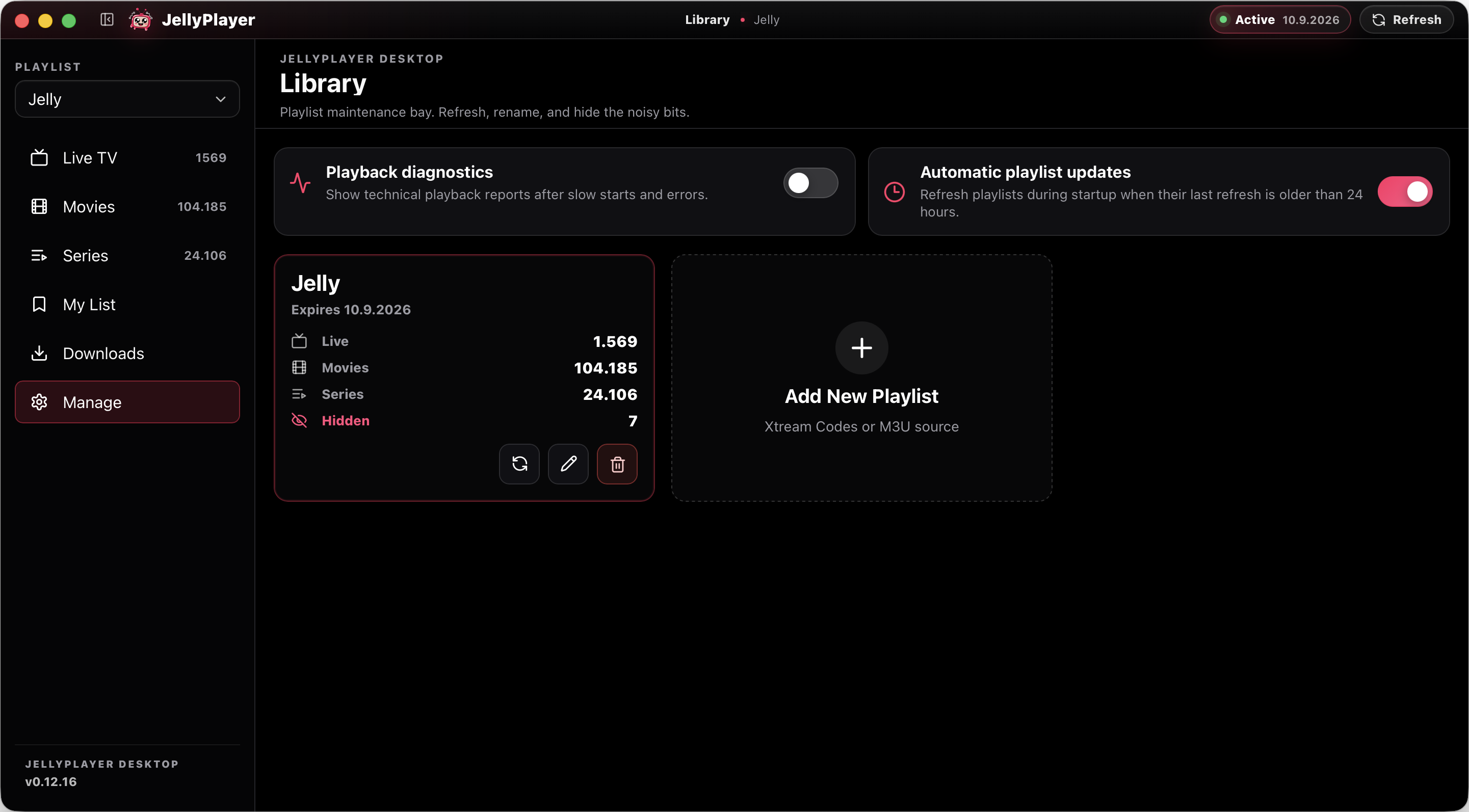
Add remote playlist URLs or local .m3u files and keep them ready between launches.
A free IPTV player for your TV and desktop. Bring your own M3U playlist or Xtream Codes account to watch live TV, movies, and series. No channels or subscriptions included. No JellyPlayer account needed.
Prefer a browser? Open JellyPlayer Web — the legacy alternative, no longer actively updated.
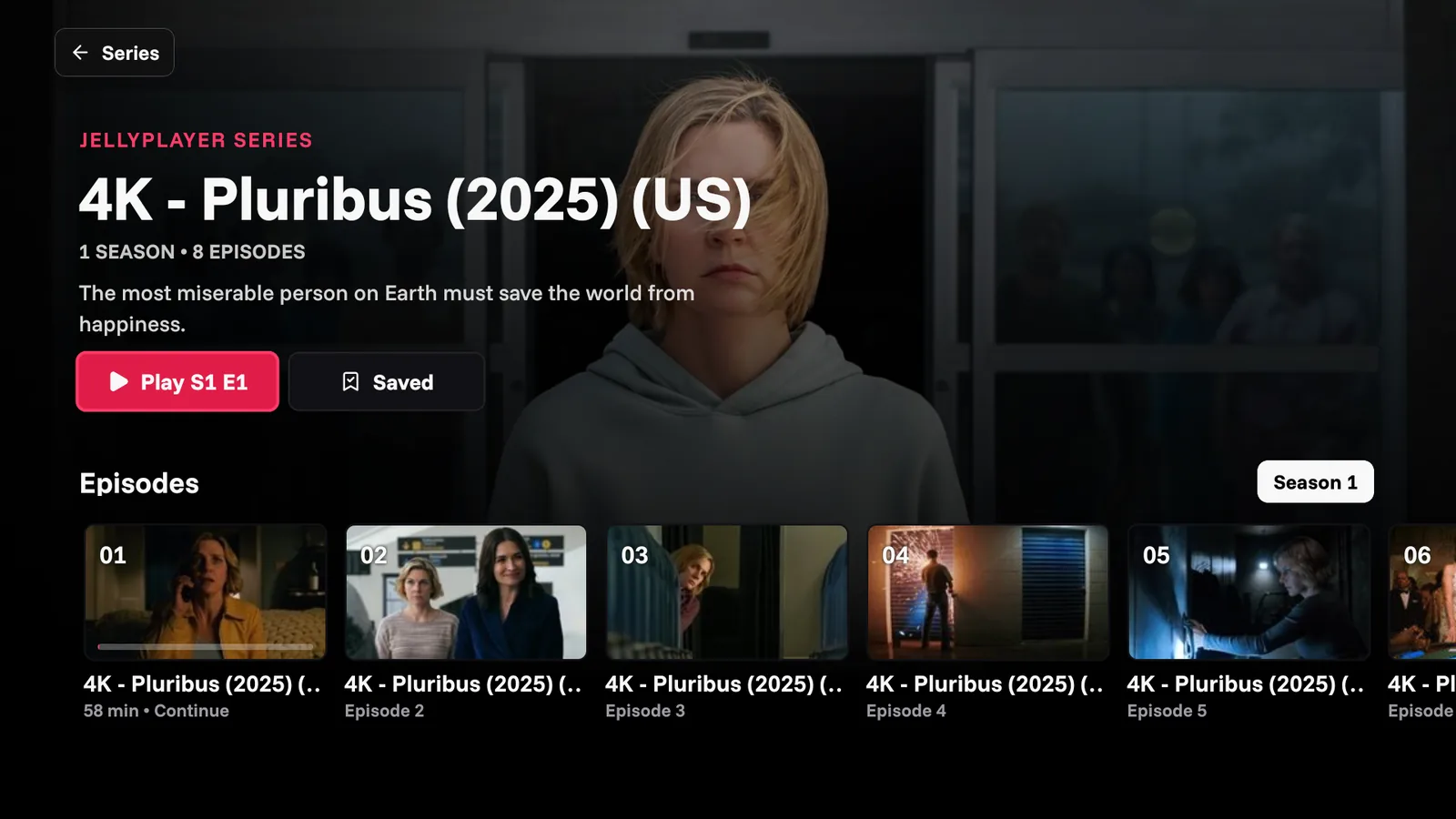
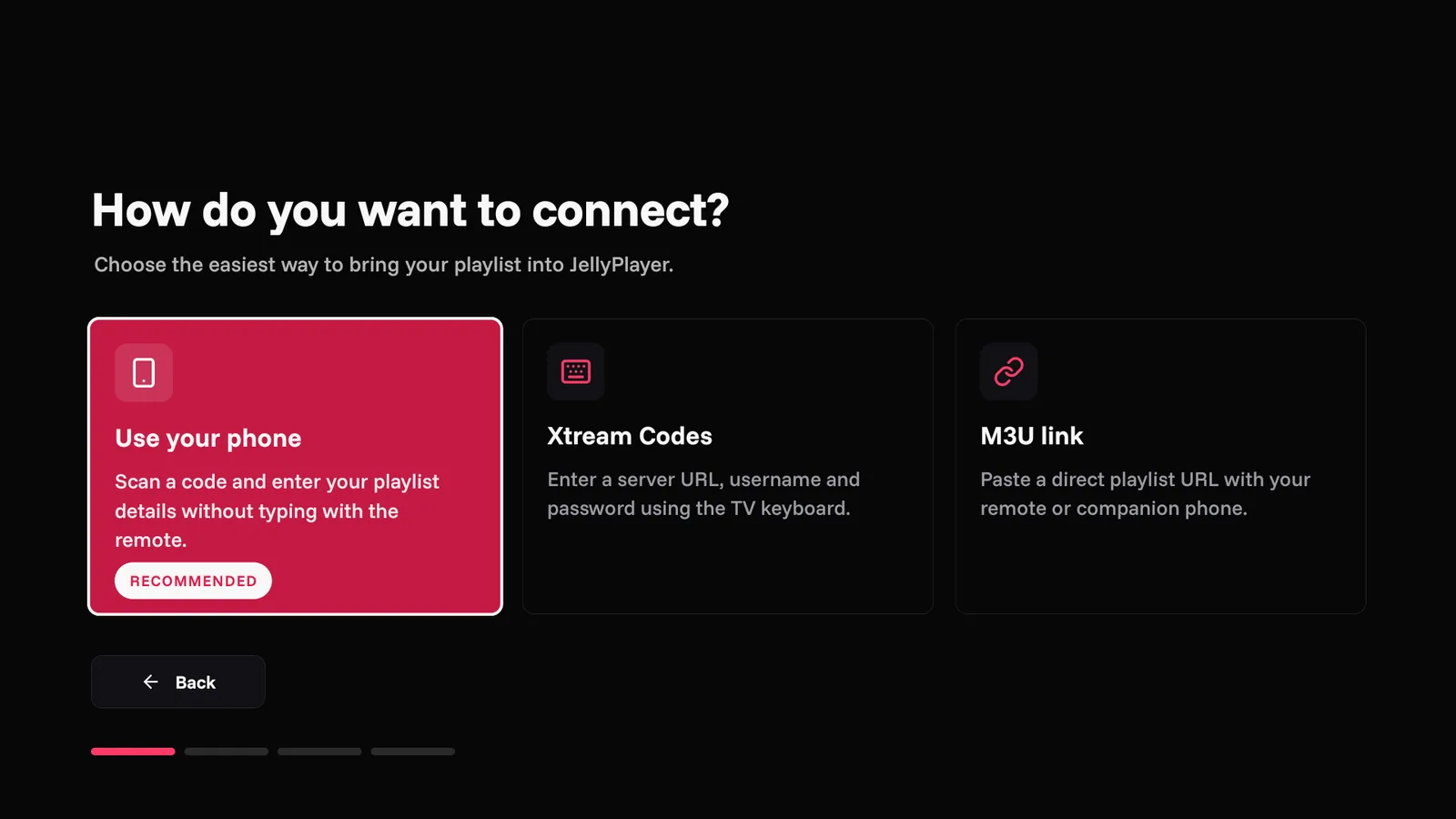
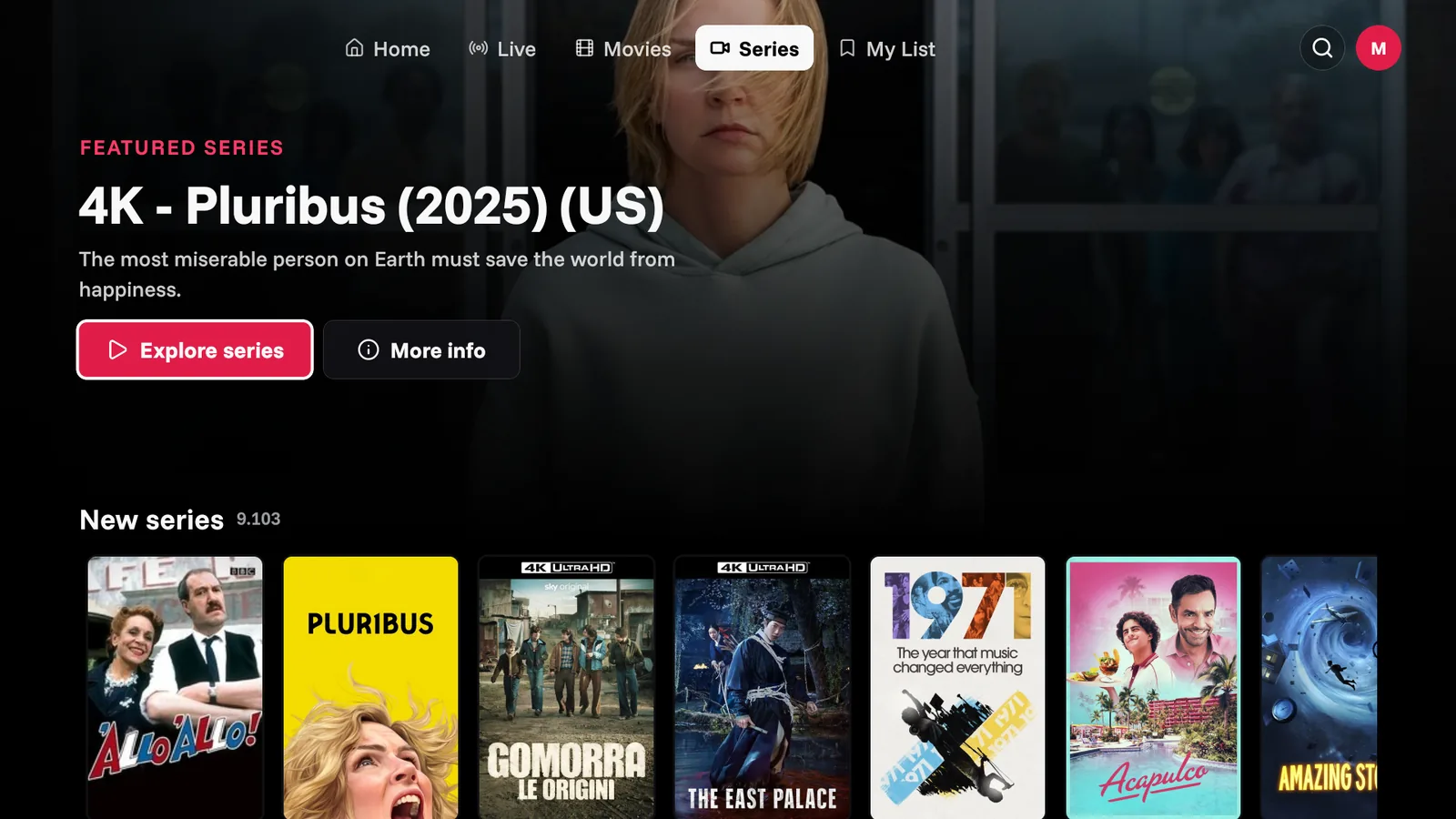
Install the TV app, then enter its six-digit pairing code on your phone to send your own playlist details. The transfer is encrypted — no long addresses to type with your remote.
Download JellyPlayer TV Downloader code 1244360Compatible with Android TV, Google TV and Fire TV (Android 7.0 / API 24+). Personally tested on a TCL Android TV only; other devices are not yet verified.
 Android TV
  Google TV
  Fire TV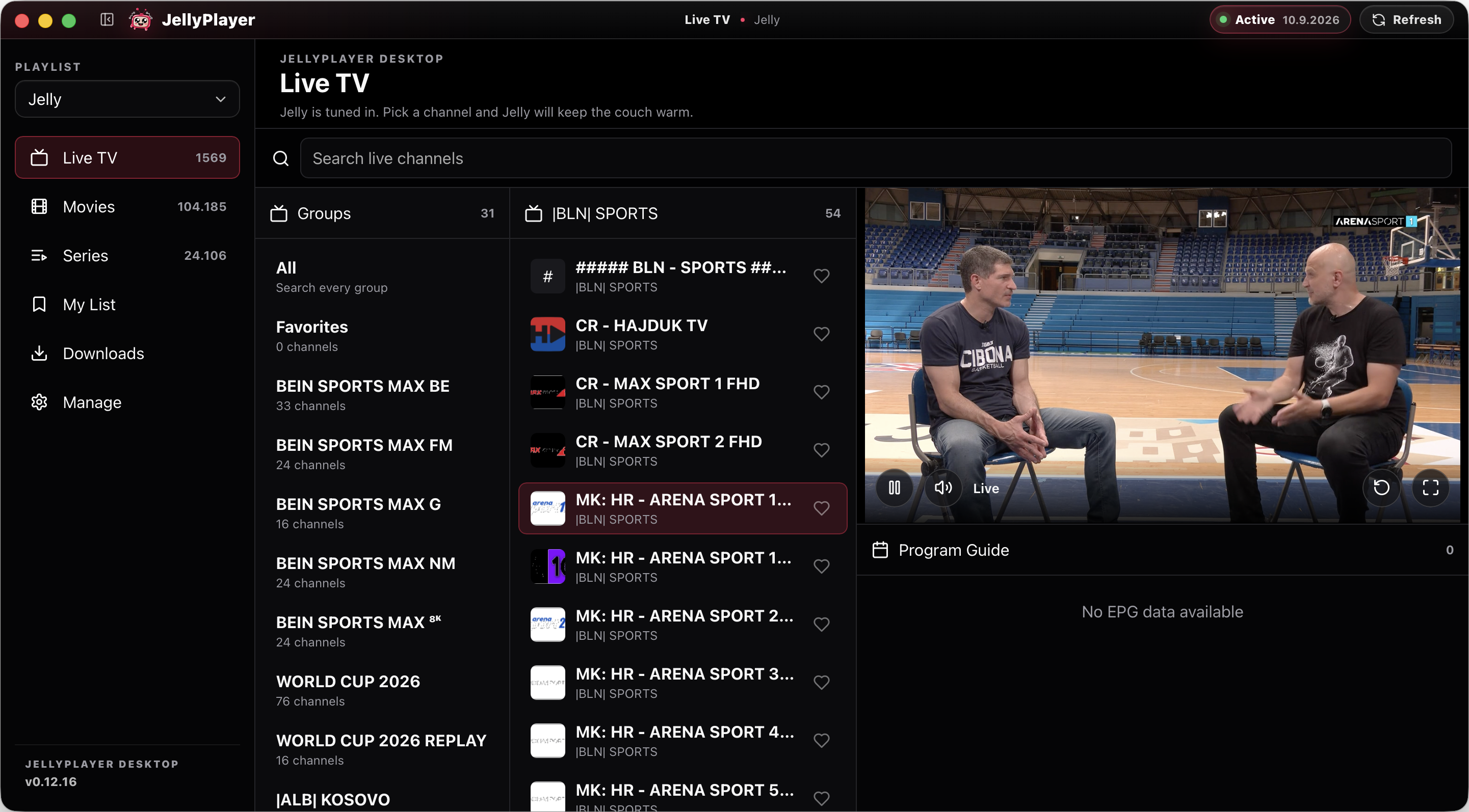
The desktop apps bring your playlists to macOS and Windows, with native playback, saved lists and local watch progress.
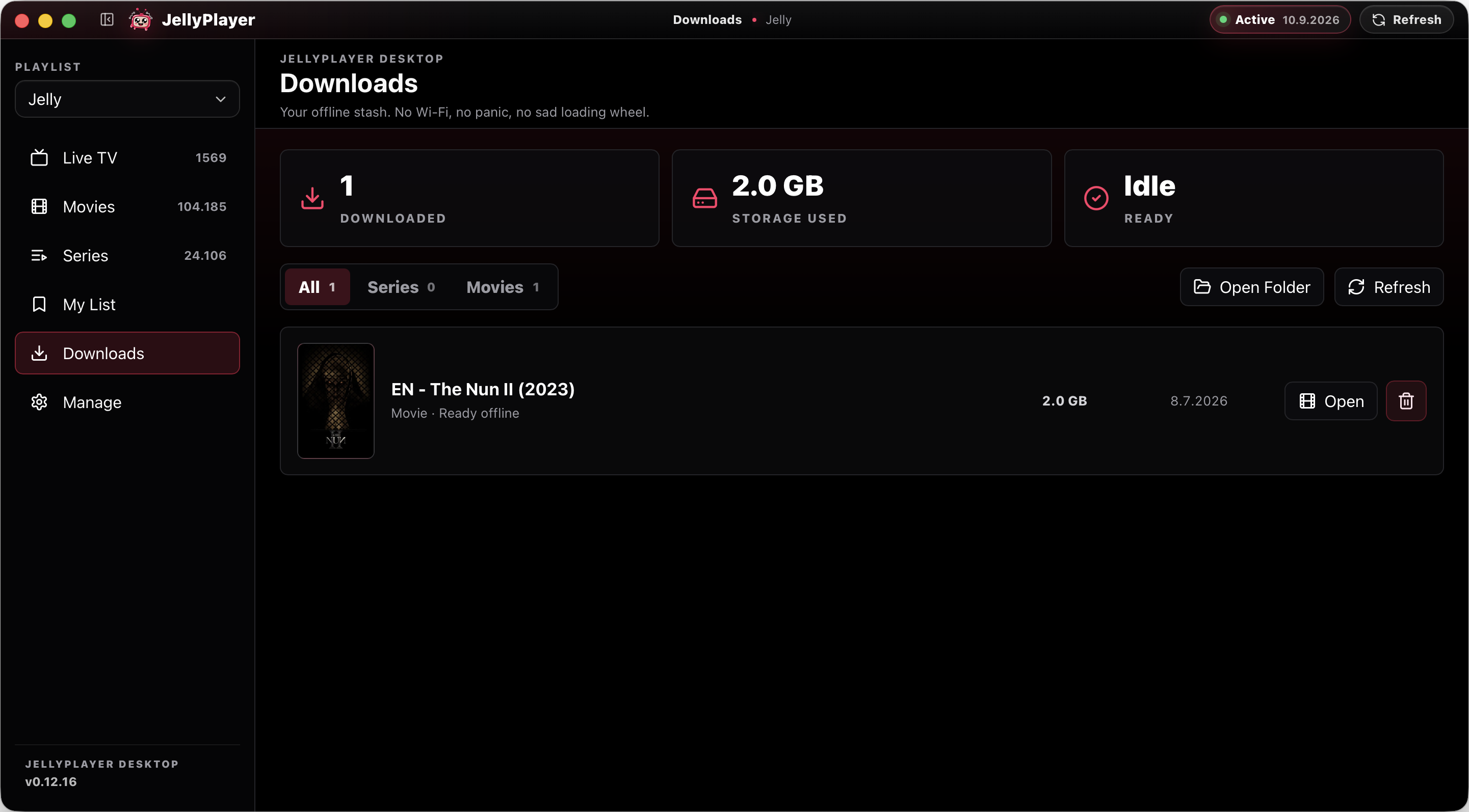
Download supported movies and episodes on desktop to watch offline. Playlists and progress stay on each device — there is no cross-device sync.
macOS 12 or later on Apple silicon, or Windows x64. No Intel Mac build is currently offered.
Prefer a browser? Open JellyPlayer Web — the legacy alternative, no longer actively updated.
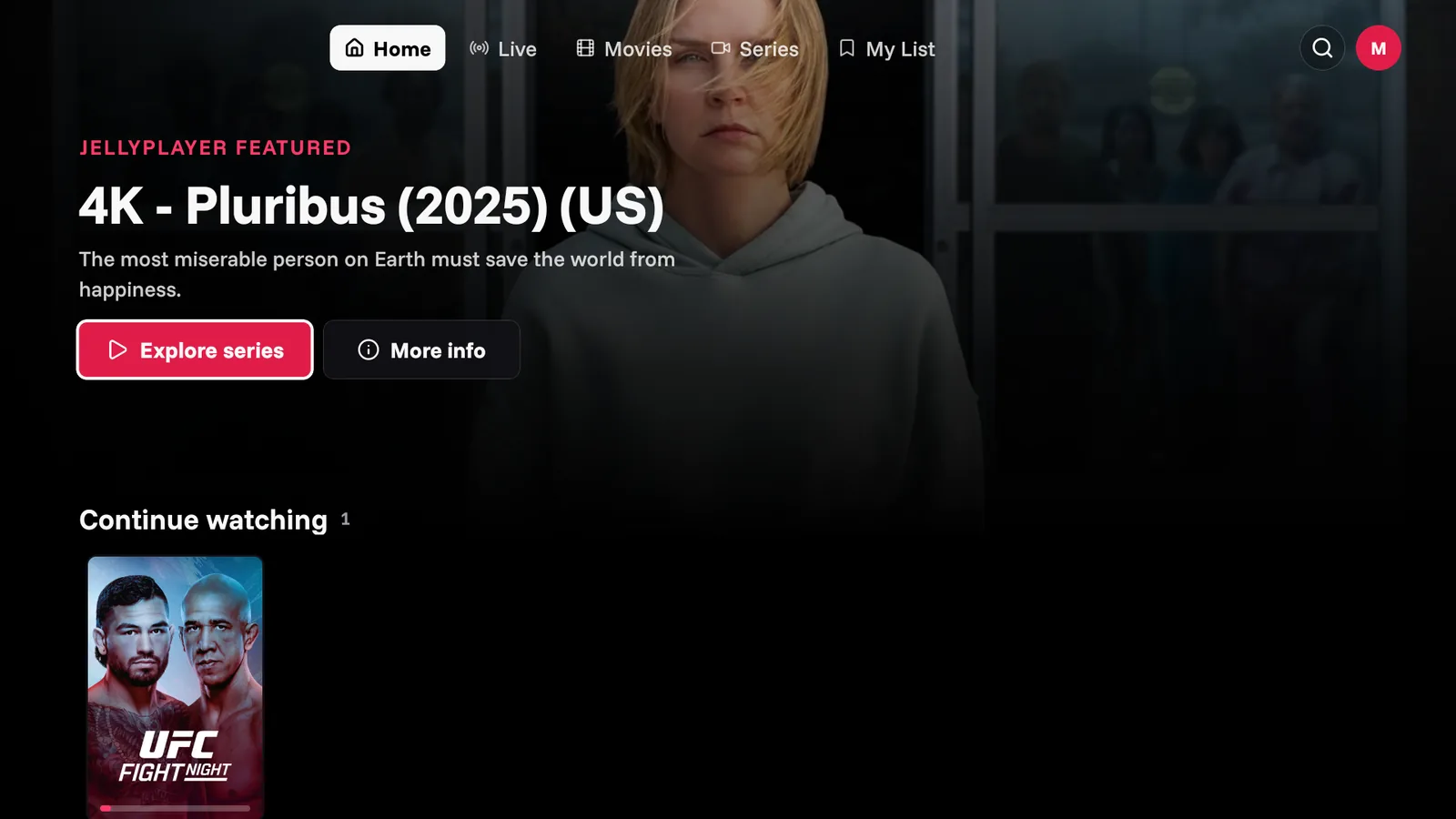
One app for M3U files and Xtream Codes: live TV, movies, series, offline downloads, saved lists, and local watch progress in a calm desktop interface.
Add remote playlist URLs or local .m3u files and keep them ready between launches.
Log in with your Xtream provider and browse live, VOD, and series libraries natively.
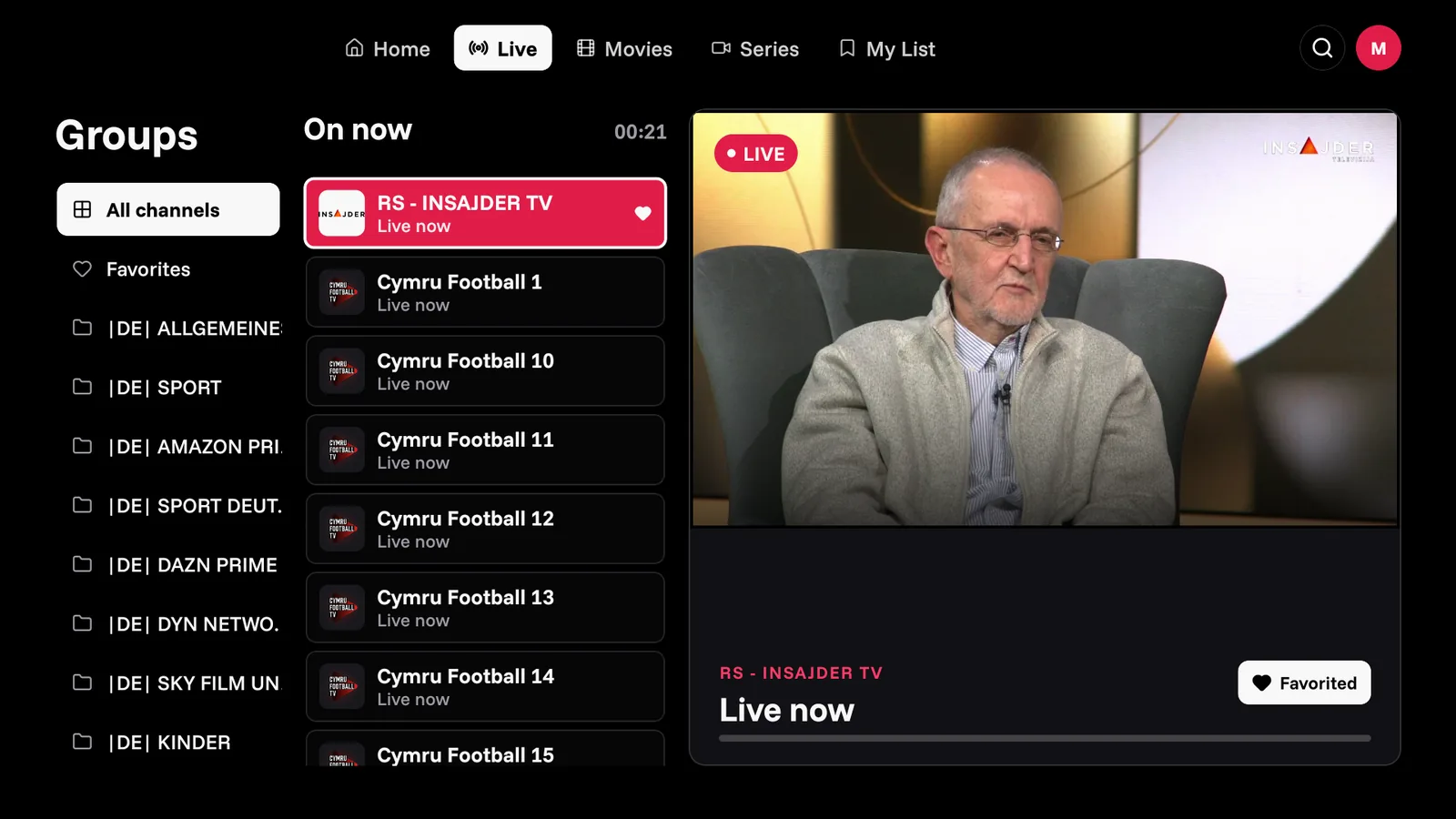
Browse channels in a calm guide with programme metadata where your playlist provides it.
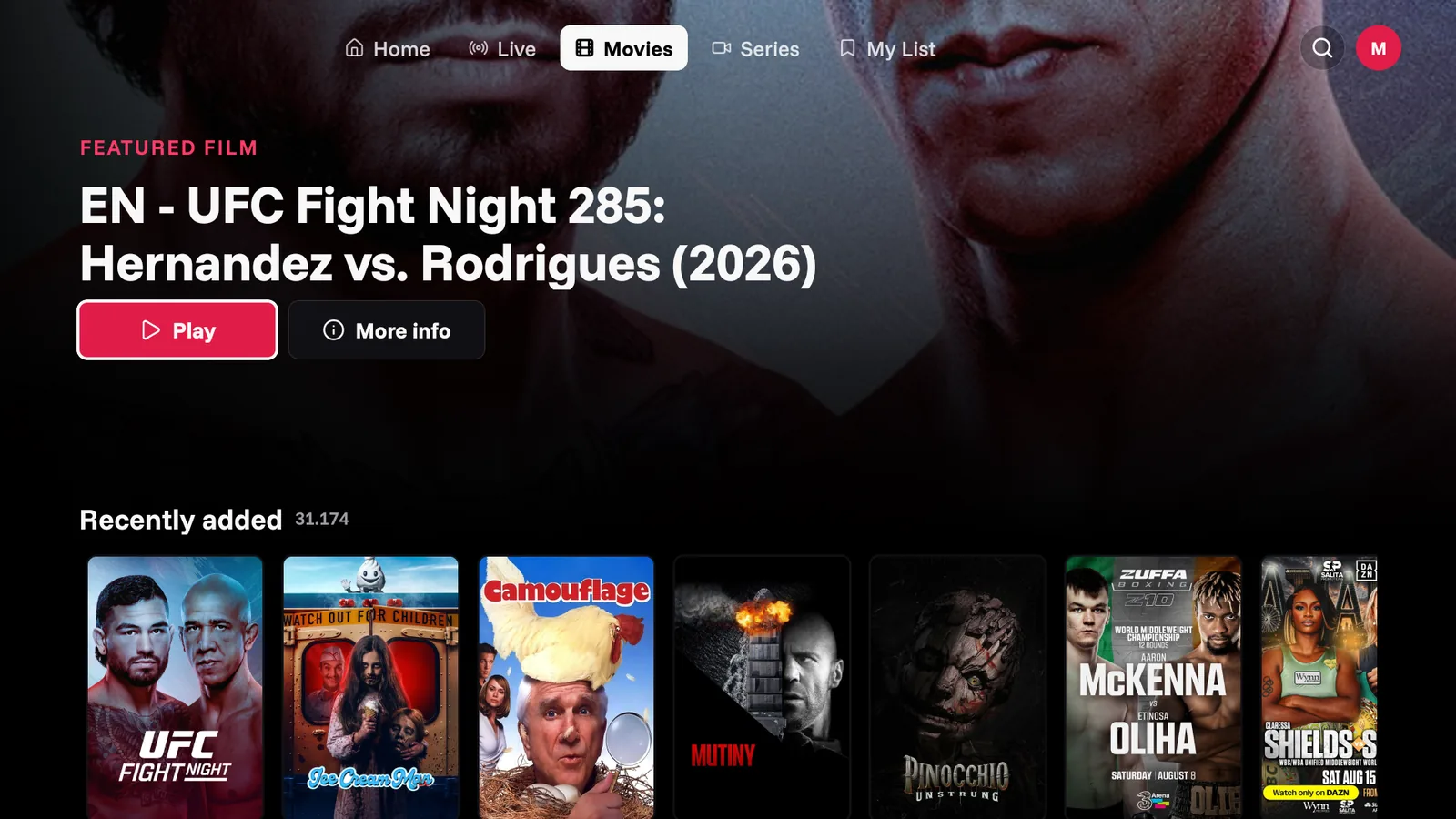
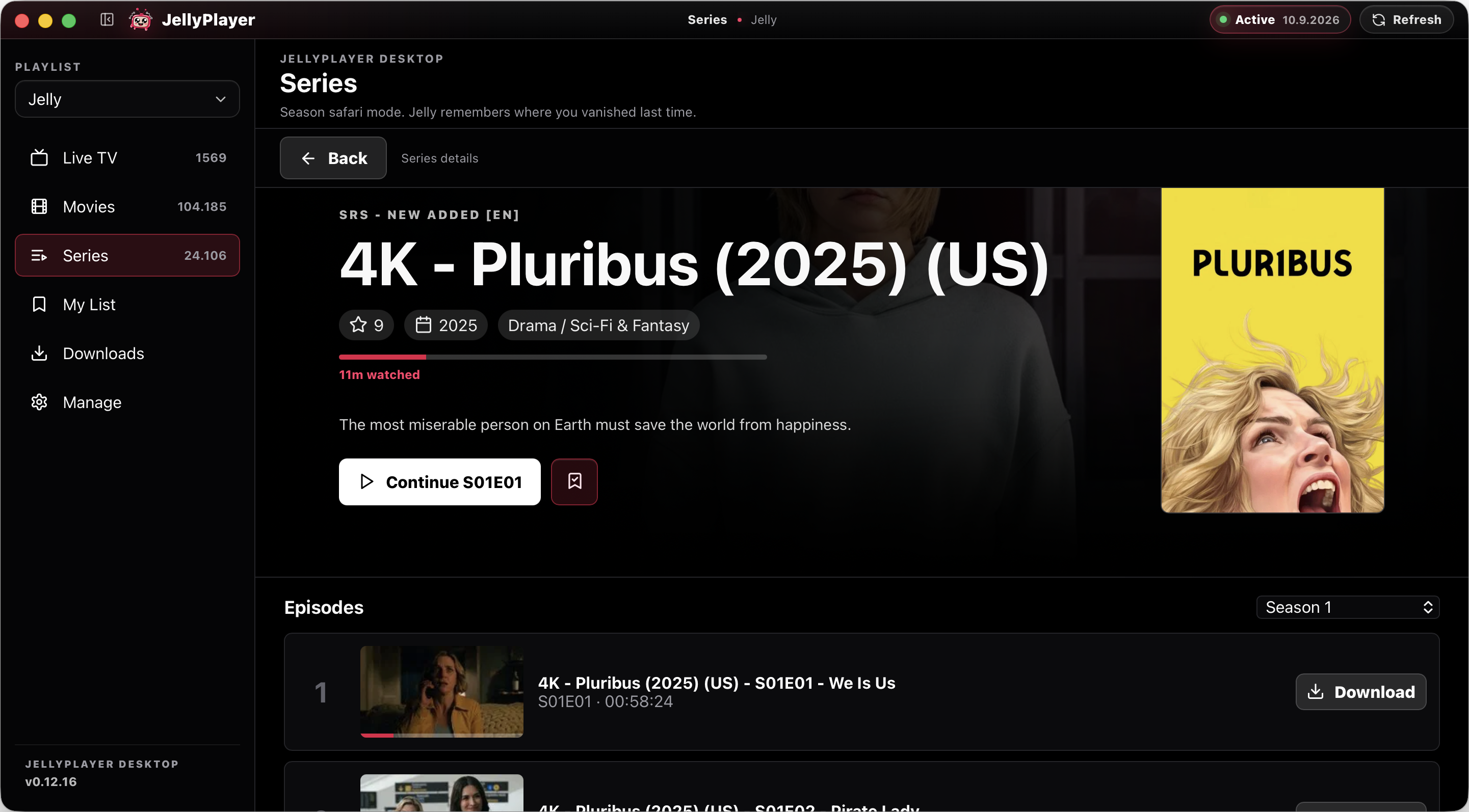
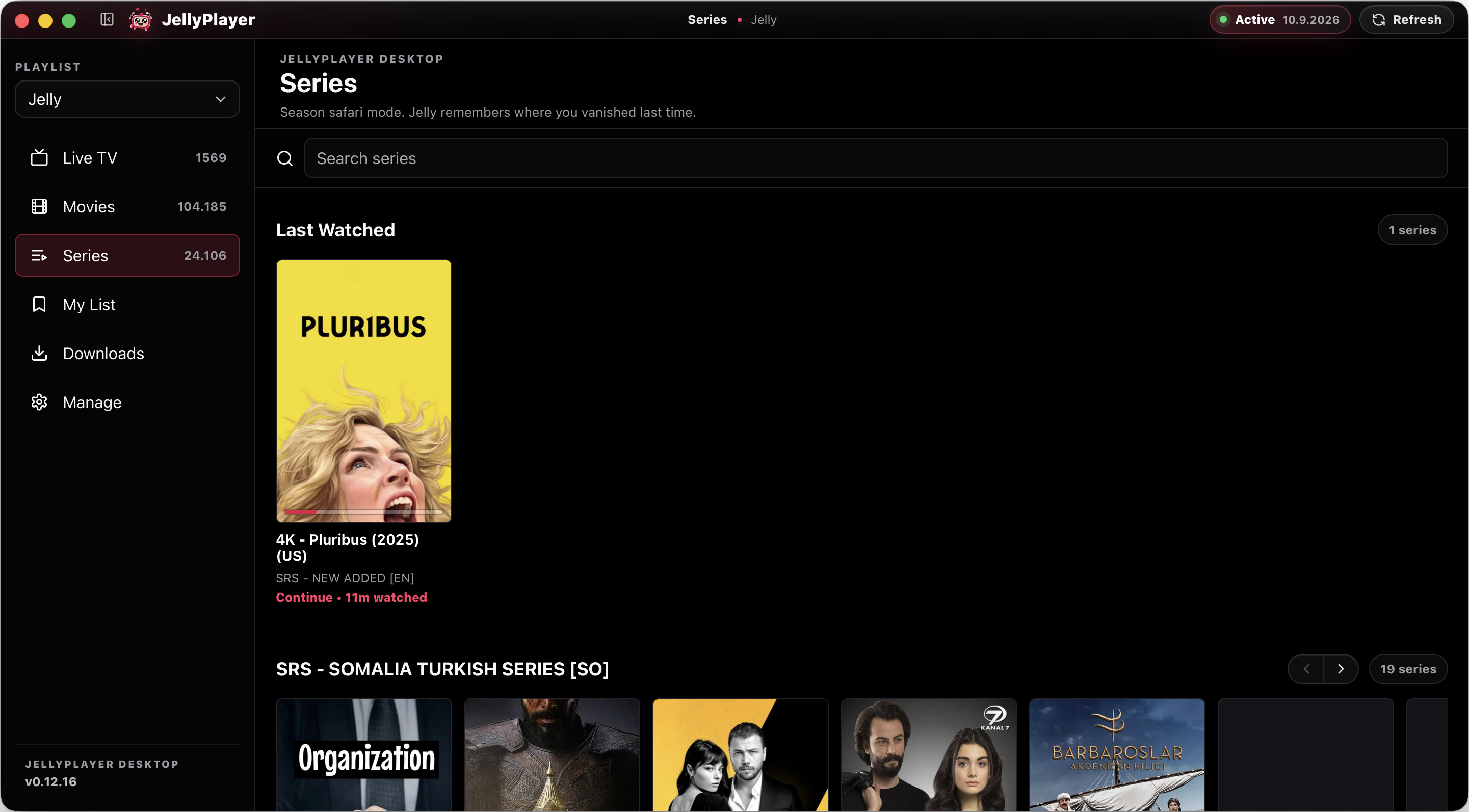
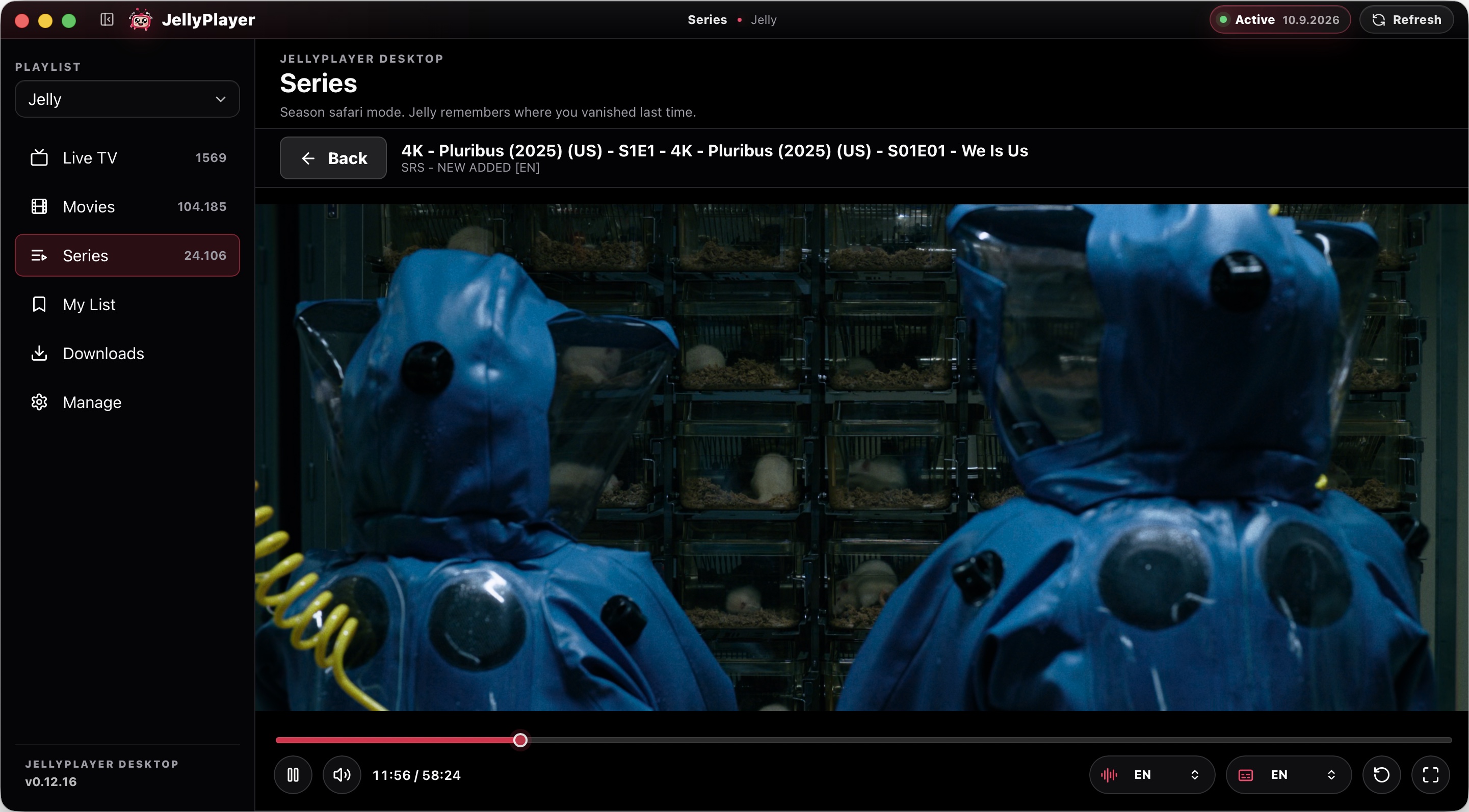
Browse VOD libraries with posters, seasons, episodes, metadata, and fast search.
Download supported movies and episodes so they are available when your connection is not.
Resume movies and episodes from where you left off, with recent progress kept locally.
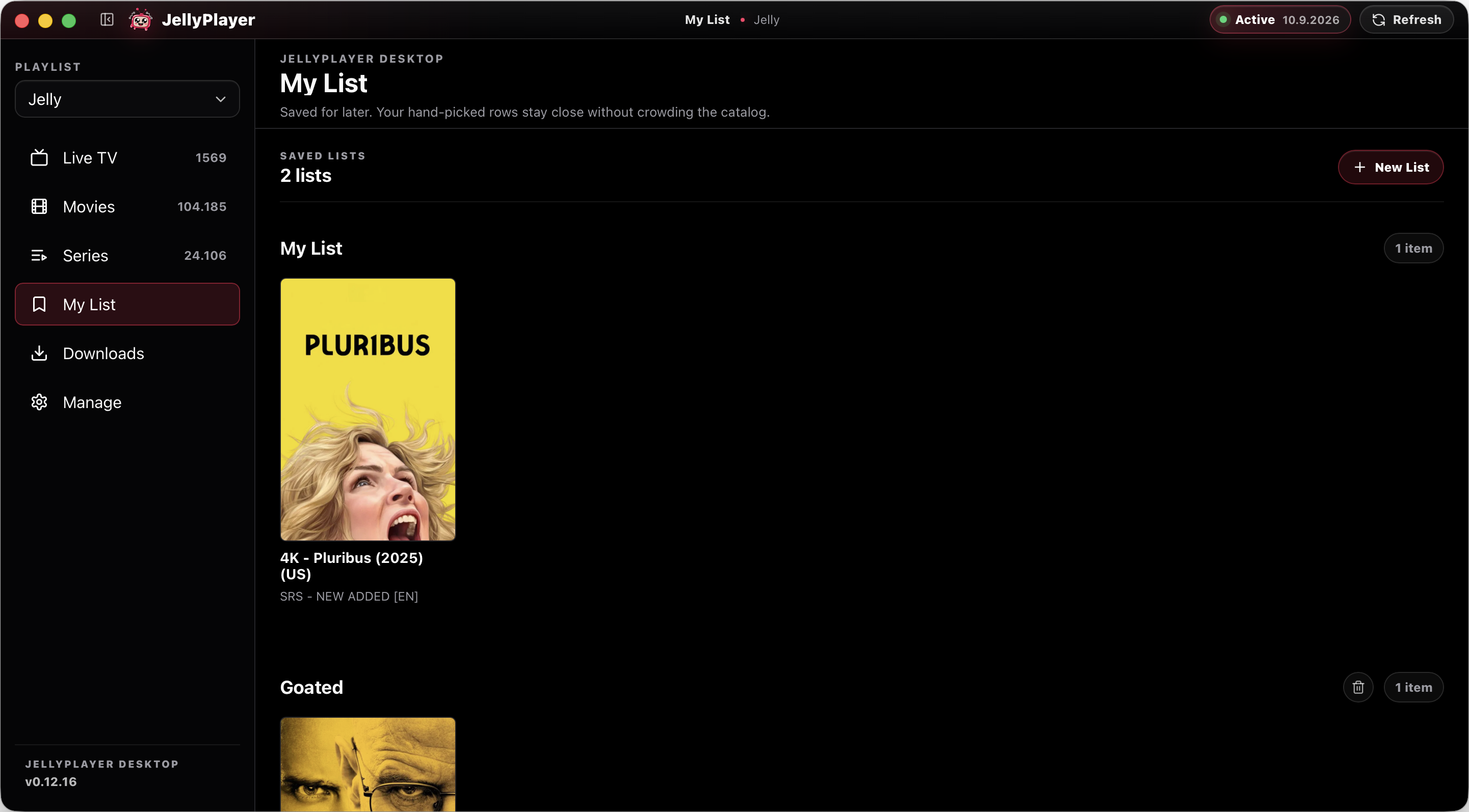
Collect channels, films, and shows into your own lists without needing a JellyPlayer account.
Desktop playback is built around a native player path for a smoother app experience.
Support · TV setup · Privacy · Telegram community · News & updates